

Description
Download QR Barcode Scanner APK – QR Code Scanner, Barcode Reader, Android Utility Tool
Overview
The QR & Barcode Scanner APK is a dedicated Android application designed to simplify the process of decoding QR codes and barcodes encountered in everyday life. It addresses the growing need for quick, reliable access to digital information embedded in visual codes found on retail products, delivery packages, promotional materials, and public signage. The app serves as a practical utility for both casual users and professionals who frequently interact with digital data through physical markers. Its primary function is to enable instant scanning and automatic copying of code content to the clipboard, streamlining workflows across shopping, travel, business, and personal use. The developer did not provide additional background details, but the app’s focus on efficiency and accessibility suggests a targeted approach to solving common digital interaction hurdles. Real-world scenarios include verifying product authenticity, accessing promotional offers, connecting to Wi-Fi networks, retrieving contact details, and comparing prices during shopping. The app is optimized for mobile use, leveraging the device’s camera and processing capabilities to deliver immediate results. While specific performance benchmarks were not disclosed, the application appears designed for fast, low-friction operation in real-time environments.
Key Features & Capabilities
- Automatic Code Recognition: The app detects and decodes QR and barcode content instantly upon alignment, requiring no manual button press or configuration.
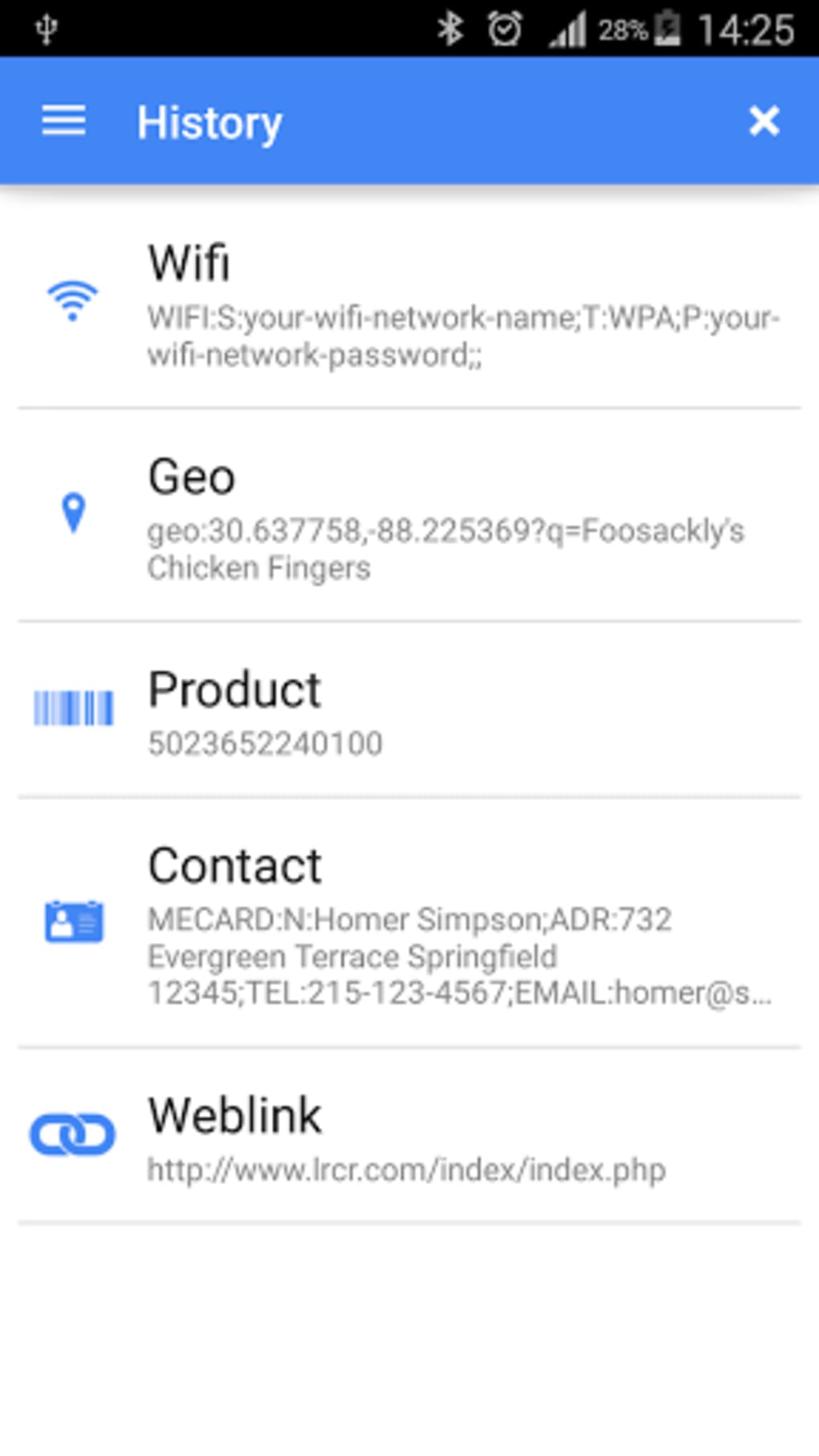
- Multi-Format Support: Capable of reading various code types, including URLs, text, product information, contact details, calendar events, email addresses, locations, and Wi-Fi credentials.
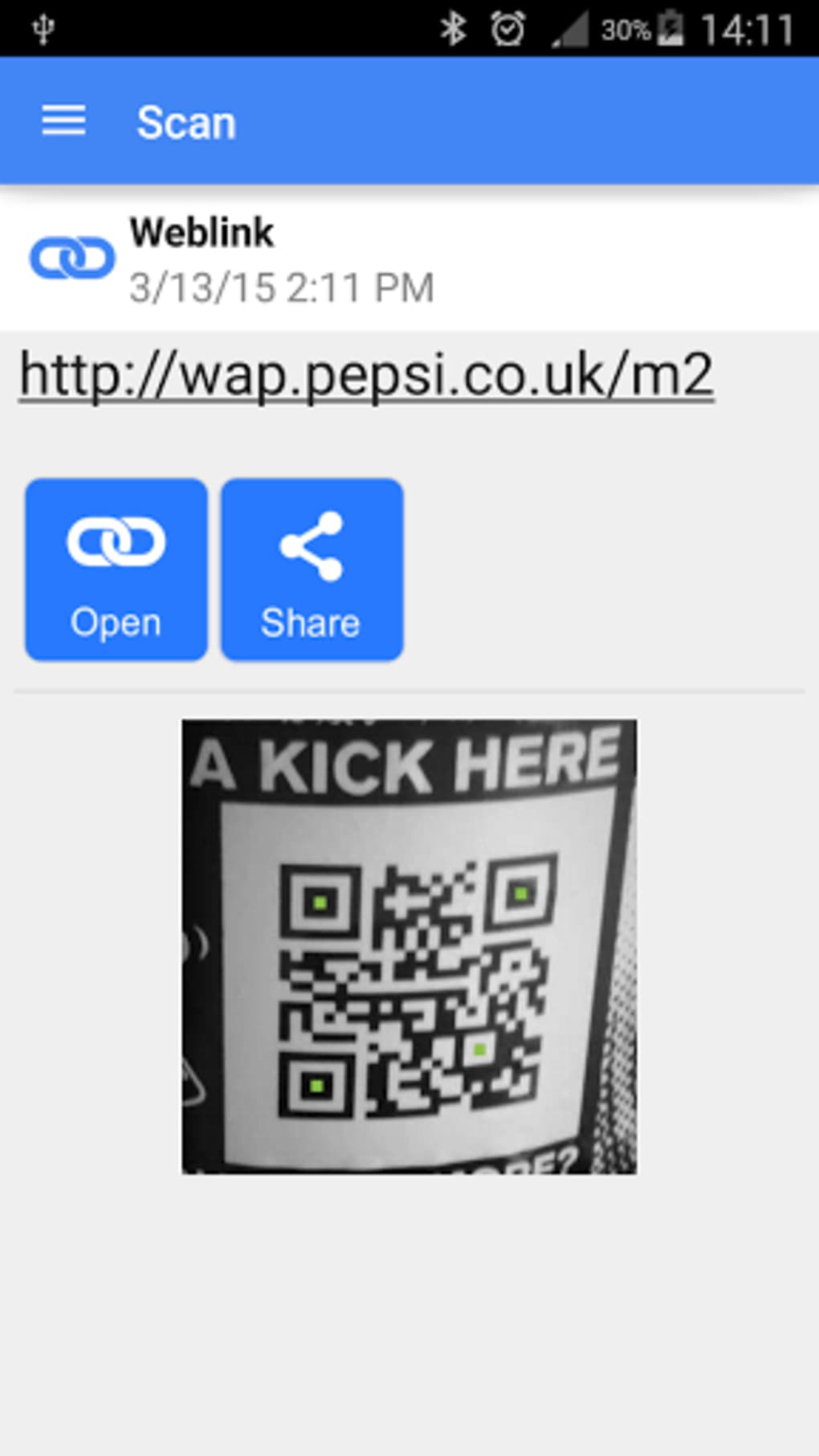
- Instant Action Options: After scanning, the app presents context-aware actions based on the detected code type, enabling direct navigation, contact creation, or network connection.
- Coupon and Discount Scanning: Allows users to scan promotional codes and redeem offers with minimal effort, enhancing shopping convenience.
- QR Code Generation: Users can create custom QR codes from entered data, useful for sharing information, links, or network details.
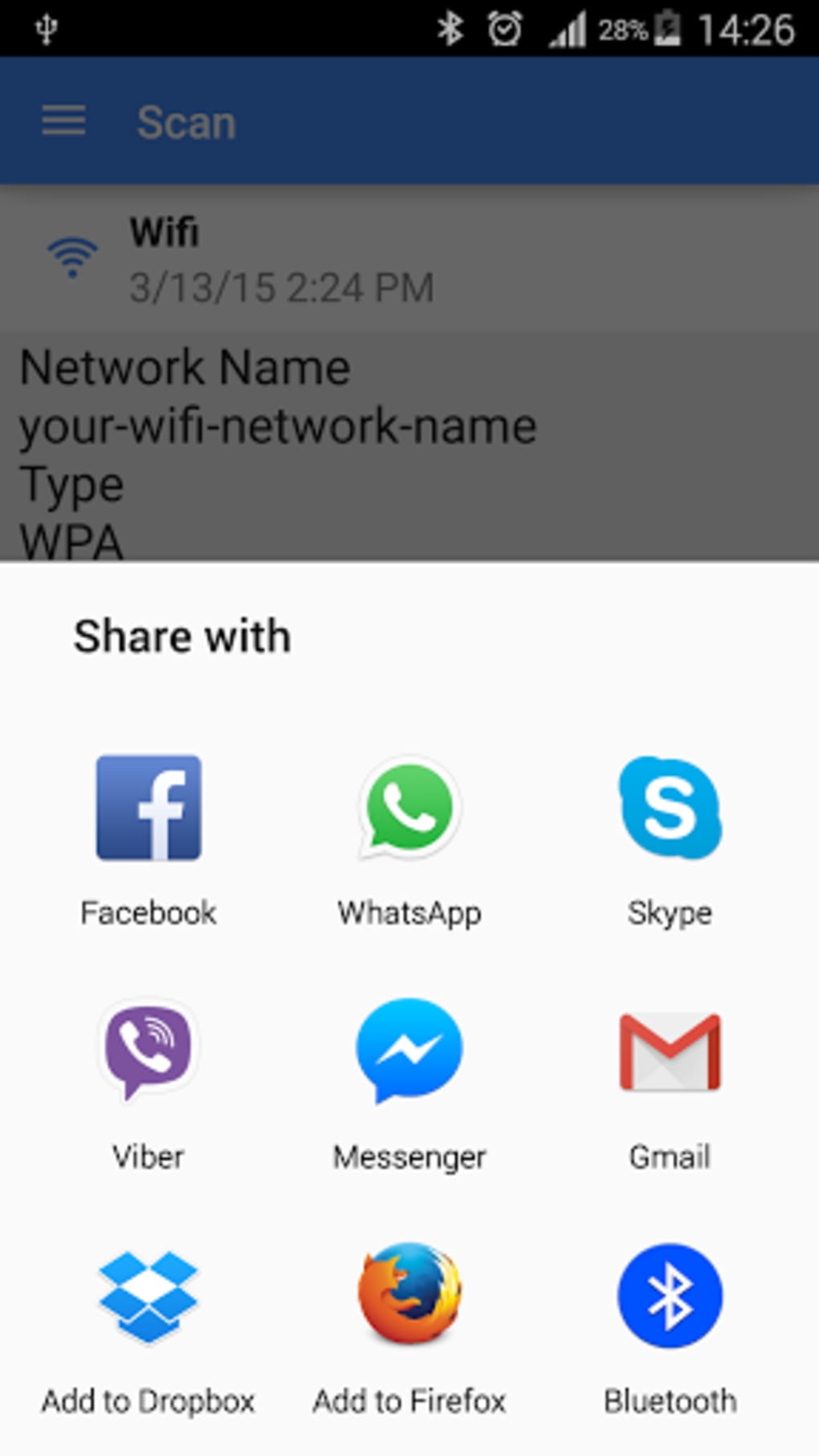
- WiFi QR Code Scanning: Specializes in reading Wi-Fi network codes, enabling automatic connection without manual password input.
- Barcode Comparison for Shopping: Facilitates price comparison between physical store items and online listings using barcode data.
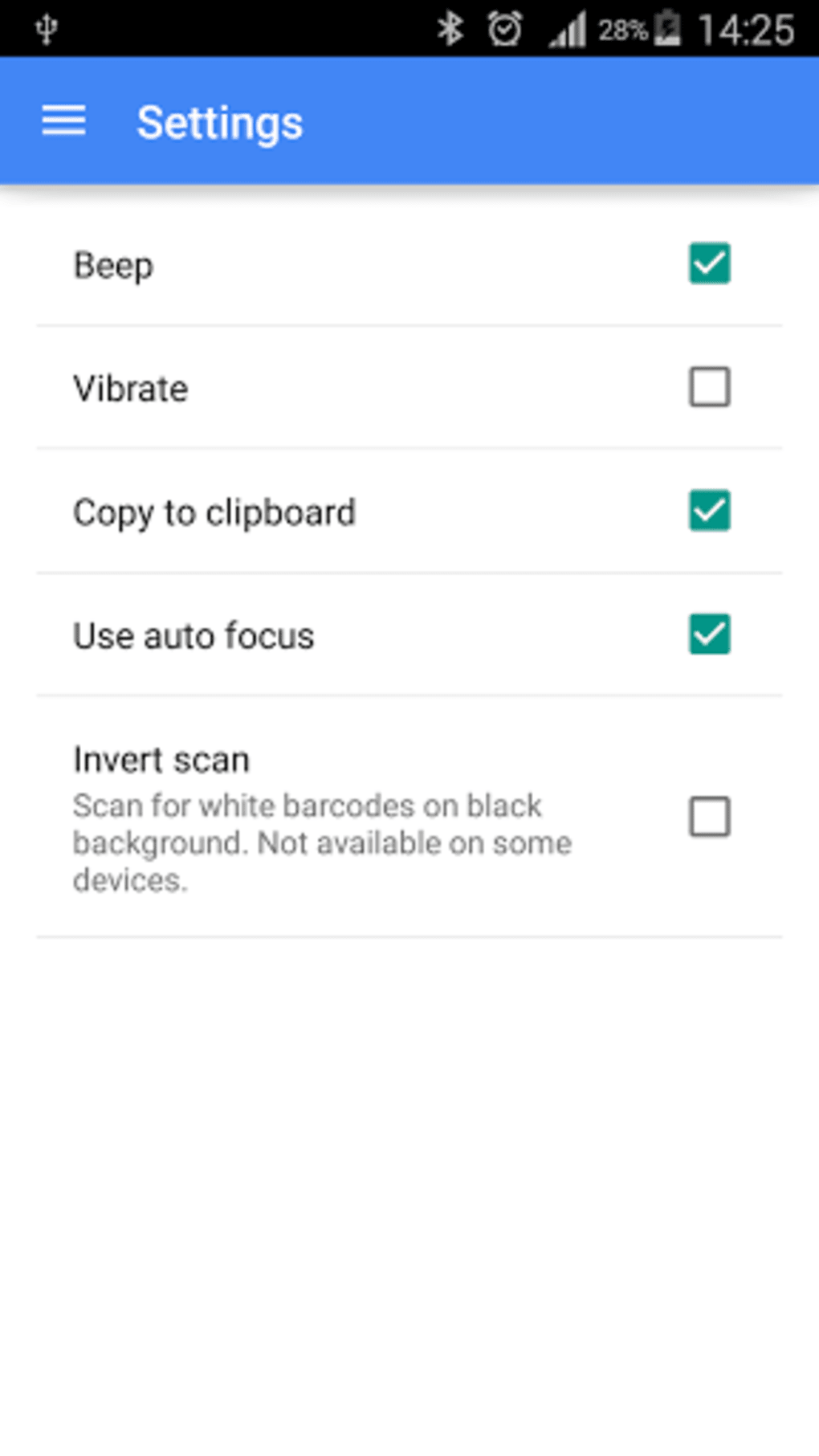
- Customization Options: Offers theme adjustments, including color changes and dark mode, to improve visibility and user preference.
- Batch Scan Mode: Enables multiple scans in sequence without restarting the app, improving efficiency for bulk processing.
- Export and Import Features: Supports saving scanned data as .csv or .txt files and importing data via file upload for reuse.
These features collectively enhance productivity and user experience by reducing manual data entry, minimizing errors, and accelerating access to digital content. The app’s seamless integration with Android’s camera and clipboard systems ensures a frictionless workflow, particularly beneficial in time-sensitive or high-volume scanning scenarios.
User Interface, Workflow & Performance
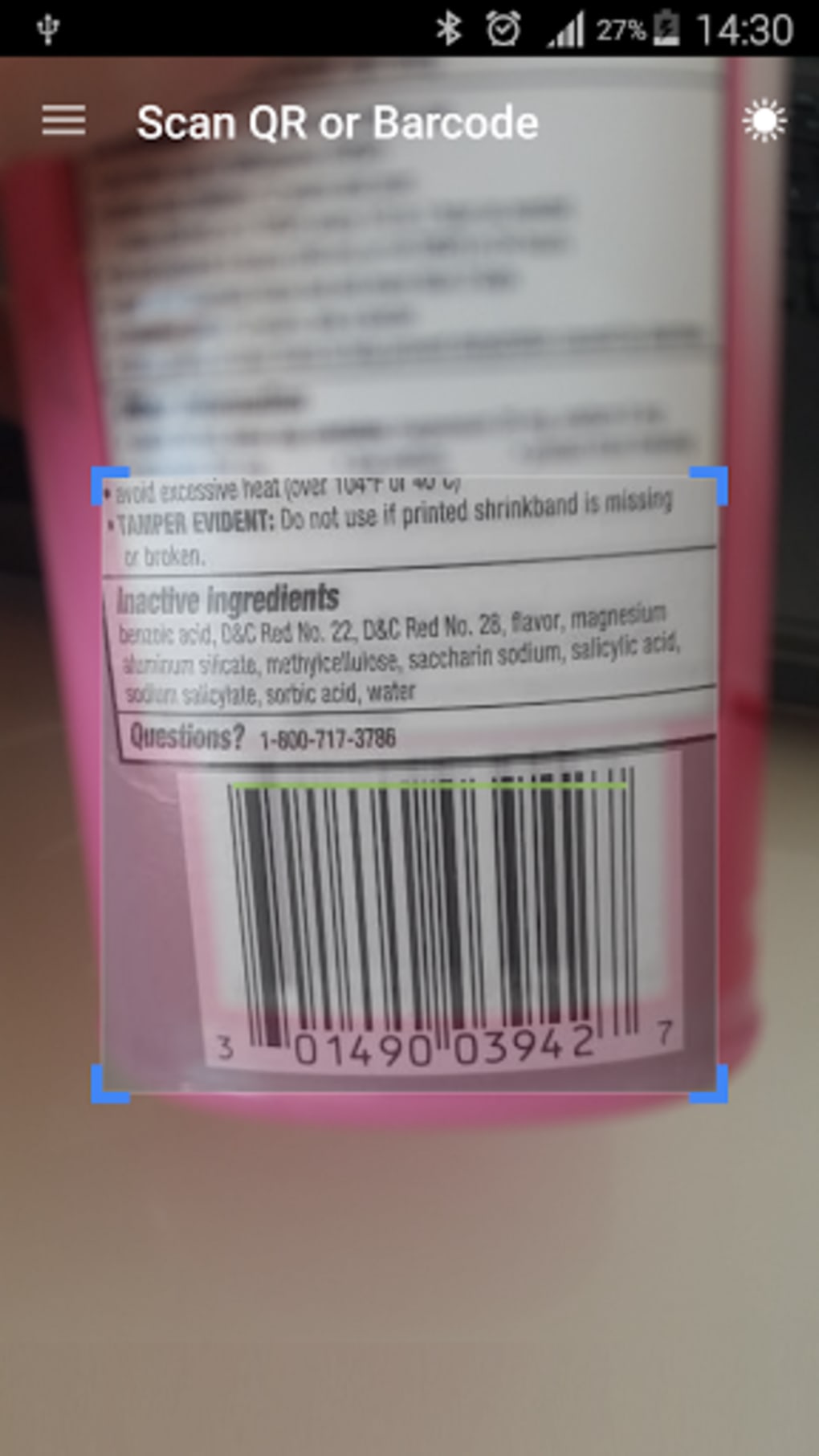
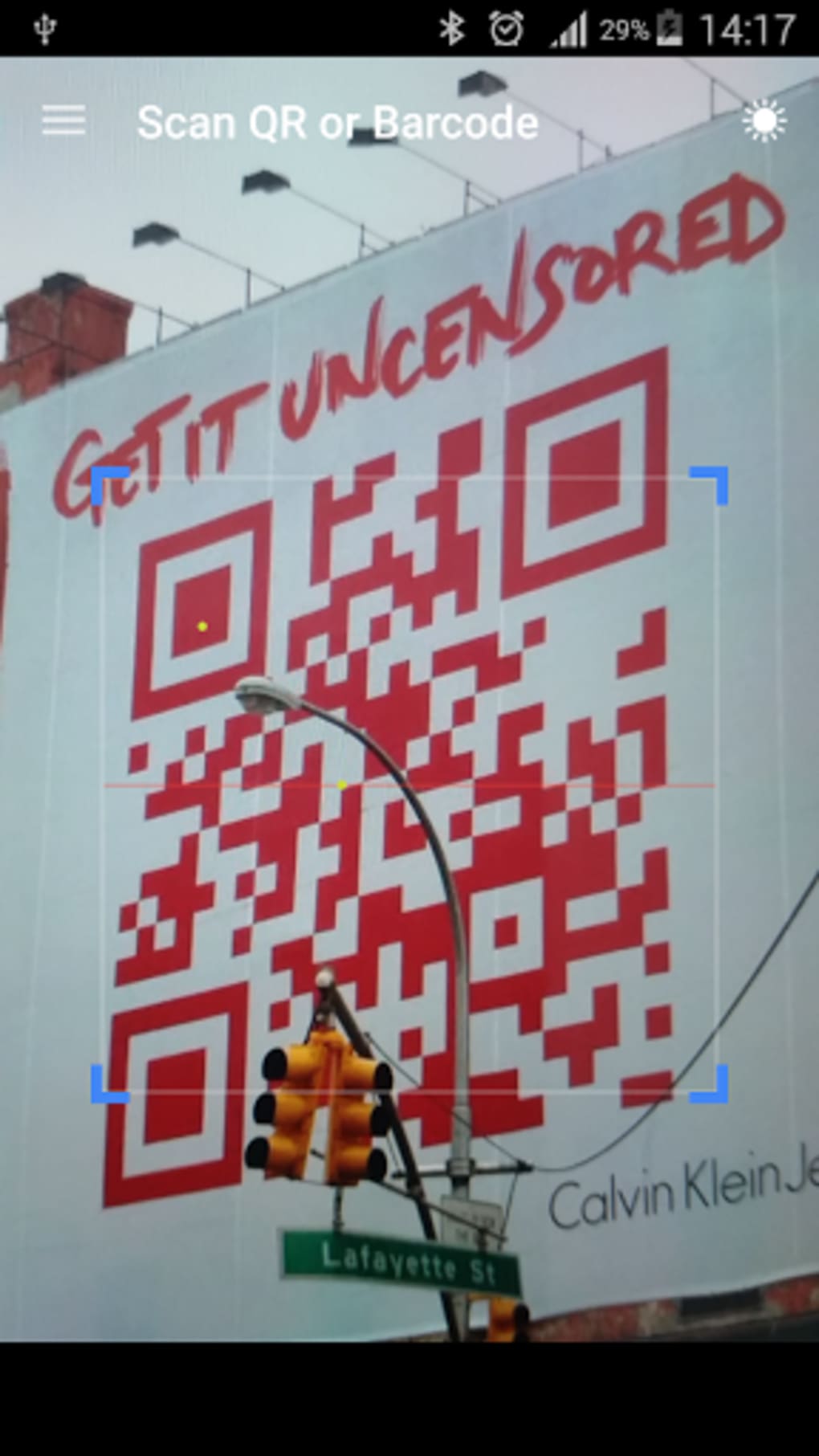
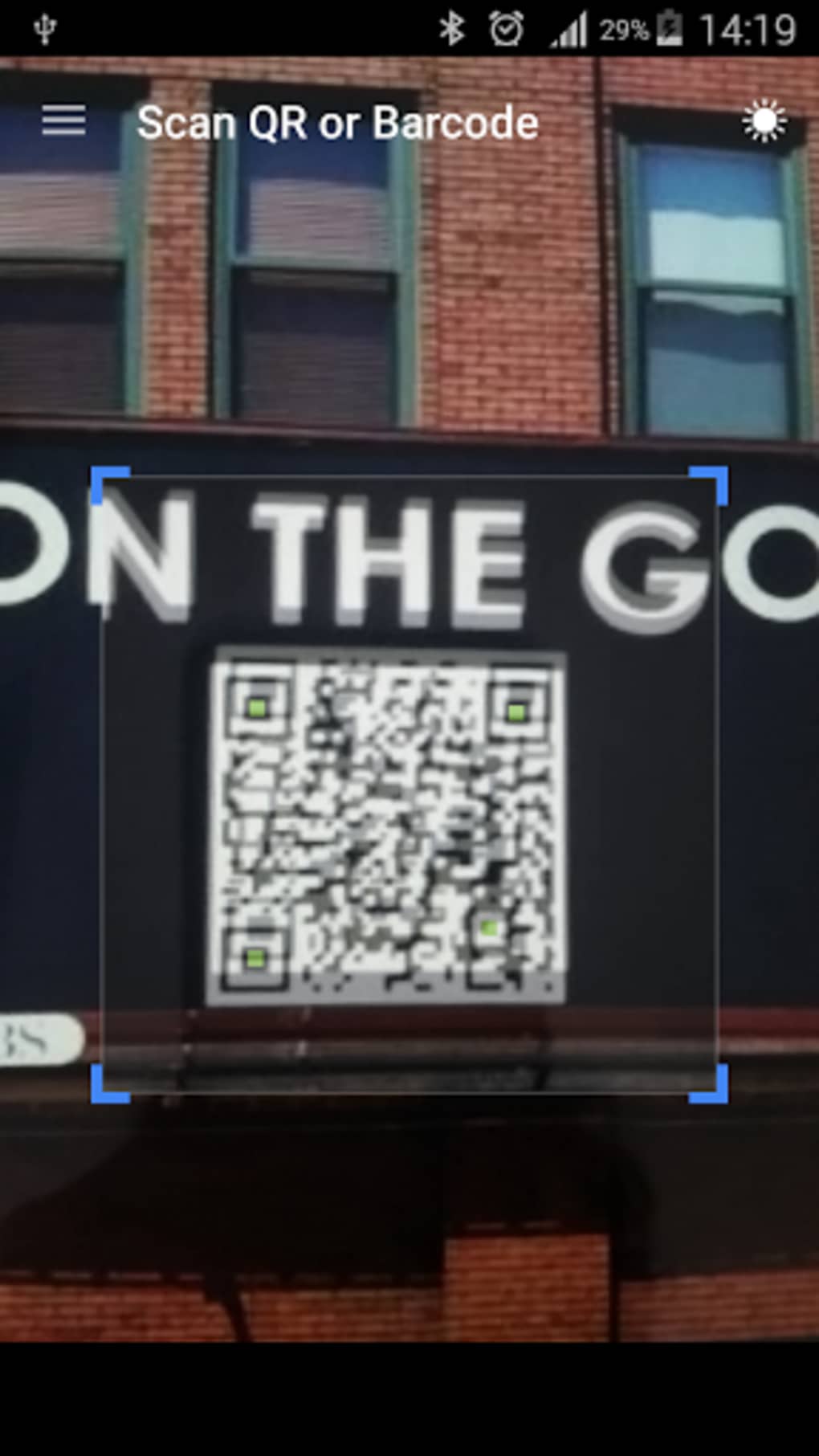
The user interface is centered around a camera preview with a clear blue border and a red horizontal alignment line, guiding users to position the code correctly. The design prioritizes clarity and minimalism, allowing users to focus on the scanning task without distractions. Navigation is straightforward: opening the app launches the scanner immediately, and successful scans trigger a beep and vibration, confirming recognition. The scanned content is displayed on-screen and automatically copied to the clipboard, enabling instant use in other apps. Workflow efficiency is high, as the process requires only alignment and waiting—no button presses or additional steps. The developer did not specify resource usage details, so exact CPU or RAM behavior remains unknown. Performance observations are based on general software behavior patterns, indicating that the app likely operates efficiently on modern Android devices. Stability appears consistent with typical mobile utility apps, though real-world reliability may vary depending on camera quality and lighting conditions. No reported crashes or freezes were mentioned in the provided description.
Compatibility & System Requirements
The software is designed for Android devices and is available as an APK file. The operating system compatibility is limited to Android platforms, though specific version requirements were not listed. Installation size is not provided, nor were hardware specifications such as RAM or processor requirements. The developer did not specify exact system requirements, so users should ensure their device supports APK installations and has a functional camera. Compatibility information was partially provided, and users are advised to test the app on their device to confirm functionality. For users unfamiliar with APK installation, the process may require enabling “Unknown Sources” in device settings.
Pros and Cons
Pros
- Completely free to download and use
- Fast, automatic scanning without manual triggers
- Supports multiple code types and formats
- Includes QR code generation and WiFi network scanning
- Offers customization options like dark mode and theme changes
- Batch scan mode improves efficiency for multiple codes
- Export and import functionality for data sharing
- Intuitive interface with clear visual cues
Cons
- Exact system requirements were not specified
- APK installation may pose security concerns for some users
- Performance details under varying conditions were not provided
- Limited information about update frequency and maintenance
- No official app store presence mentioned
FAQ Section
Is QR & Barcode Scanner APK free to use?
Yes, the app is completely free to download and use without any hidden costs or in-app purchases.
Can I use this app offline?
Yes, the app functions fully offline once installed. No internet connection is required for scanning or generating QR codes.
Does the app support scanning Wi-Fi QR codes?
Yes, the app is specifically designed to read Wi-Fi QR codes and automatically connect to the network when the code is scanned.
How do I install the APK file?
To install, download the APK file from a trusted source, enable “Unknown Sources” in your device’s settings, then open the file and follow the installation prompts.
Is the app safe to download and use?
While the app is free and functional, users should only download APKs from reputable sources to minimize security risks. The developer did not provide a verified app store link.
Final Thoughts
The QR & Barcode Scanner APK delivers a robust, no-frills solution for Android users seeking fast, accurate code decoding. Its combination of automatic scanning, multi-format support, and additional tools like QR generation and batch processing makes it a versatile utility for everyday tasks. The app excels in usability, offering a clean interface and minimal steps for maximum efficiency. While system requirements and performance data are not fully disclosed, the app appears optimized for modern Android devices. It is especially beneficial for shoppers, travelers, and professionals who rely on quick access to digital information. For users looking for a reliable, free, and feature-rich scanner, this tool stands out as a top choice. Download QR Barcode Scanner APK now and experience seamless digital interaction on your Android device.
Guides & Tutorials for QR Barcode Scanner APK
How to install QR Barcode Scanner APK
- Click the Preview / Download button above.
- Once redirected, accept the terms and click Install.
- Wait for the QR Barcode Scanner APK download to finish on your device.
How to use QR Barcode Scanner APK
This software is primarily used for its core features described above. Open the app after installation to explore its capabilities.
User Reviews for QR Barcode Scanner APK 0
No reviews found





